DIY or Pro Designer Quick Read
When to Try Canva yourself and when to Call the Pro's
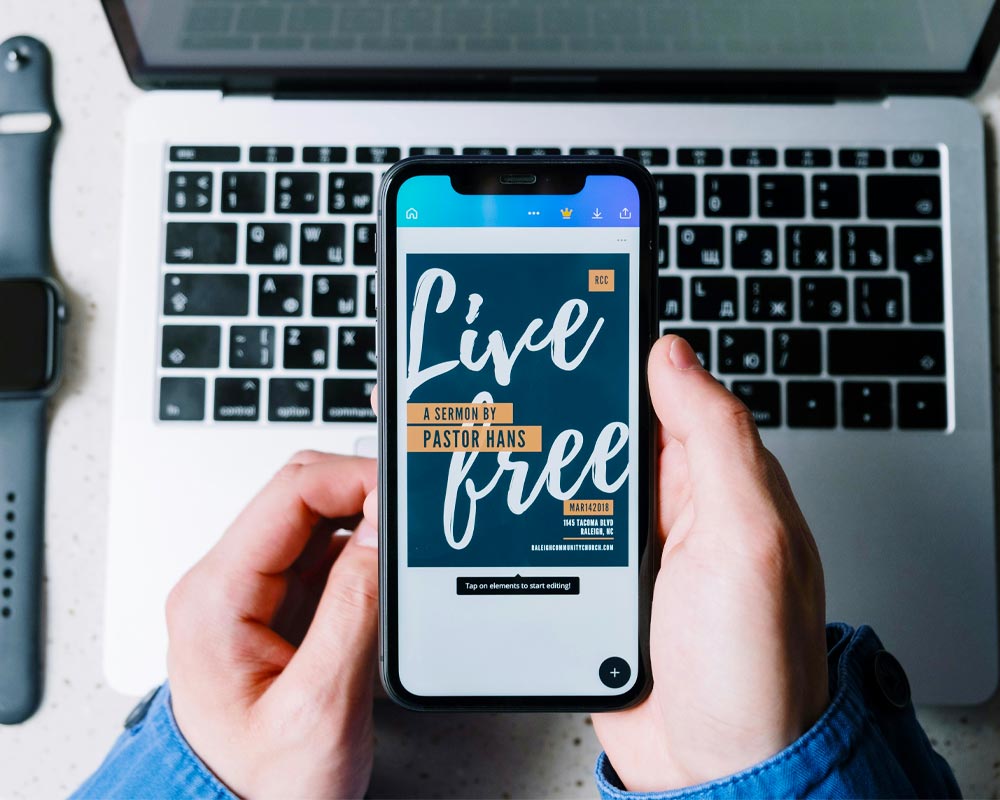
The Power of DIY: When Canva Is Your Best Friend
Canva is brilliant for quick, low-stakes design needs – especially when you’re just starting out or need something fast.
> Social Media Posts: Need a quote graphic or promo for your weekend sale? Canva’s templates make it easy.
> Event Flyers: Hosting a local market or workshop? A DIY flyer can do the trick.
> Moodboards & Mockups: Exploring your brand’s visual direction? Canva helps you play with colours, fonts, and layout.
> Internal Documents: Think team schedules, onboarding guides, or presentation slides – no need to hire out.
PRO TIP: Stick to Canva’s professionally designed templates and customise them with your brand colours and fonts. It’s the easiest way to keep things looking polished without reinventing the wheel.
When to Call in a Designer: The Stakes Are Higher
Professional designers bring more than just technical skill — they bring strategy, emotional intelligence, and brand storytelling.
Signs You Need a Pro:
> Logo Design: Your logo is the face of your brand. A pro will ensure it’s scalable, unique, and emotionally resonant.
> Brand Identity: If you’re building a business, you need more than a pretty colour palette — you need a cohesive visual language.
> Website Design: A designer will help you balance aesthetics with user experience, accessibility, and mobile responsiveness.
> Packaging & Print: From jewellery boxes to product tags, print design requires precision and knowledge of production specs.
> Rebranding: If your business is evolving, a designer can help you shift your visual identity with clarity and impact.
REAL TALK: DIY design often works until your business starts growing. That’s when inconsistencies creep in — mismatched fonts, blurry logos, off-brand colours. A designer helps you build trust and recognition through visual consistency.
The Sweet Spot: Collaboration Over Competition
It’s not Canva vs. Designers — it’s Canva and Designers. Many pros use Canva to empower clients with editable templates, while still crafting the foundational brand assets themselves.
Hybrid Approach Ideas:
> Hire a designer to create your logo, brand guide, and Canva templates.
> Use Canva for day-to-day content, while keeping your core brand assets consistent.
> Book a design audit every few months to refine your visuals and stay aligned.
Ask Yourself These Questions Before You DIY:
1. Is this design going to represent my brand publicly?
2. Will it be printed or used at scale?
3. Do I feel confident in my design choices, or am I guessing?
4. Is this a one-off task or part of a bigger brand strategy?
If your answer leans toward “this matters,” it’s probably time to call in a pro.
Closing Thought
Design isn’t just decoration – it’s communication. Whether you’re DIY-ing your first flyer or investing in a full brand identity, the goal is the same: to connect with your audience and build trust.
At Zoeke, we believe in empowering everyday creators and supporting them with professional design when it counts. So go ahead – play, explore, create. And when you’re ready to level up, we’ll be here to help you shine.